Night app blocker for iPhone and Android
Dawnwell locks your phone until your routine is done.
Set a sleep window and a morning routine once, and Dawnwell runs it automatically. It shields the apps you chose, puts a hard block on them through the night, and locks your phone until the morning routine is done.
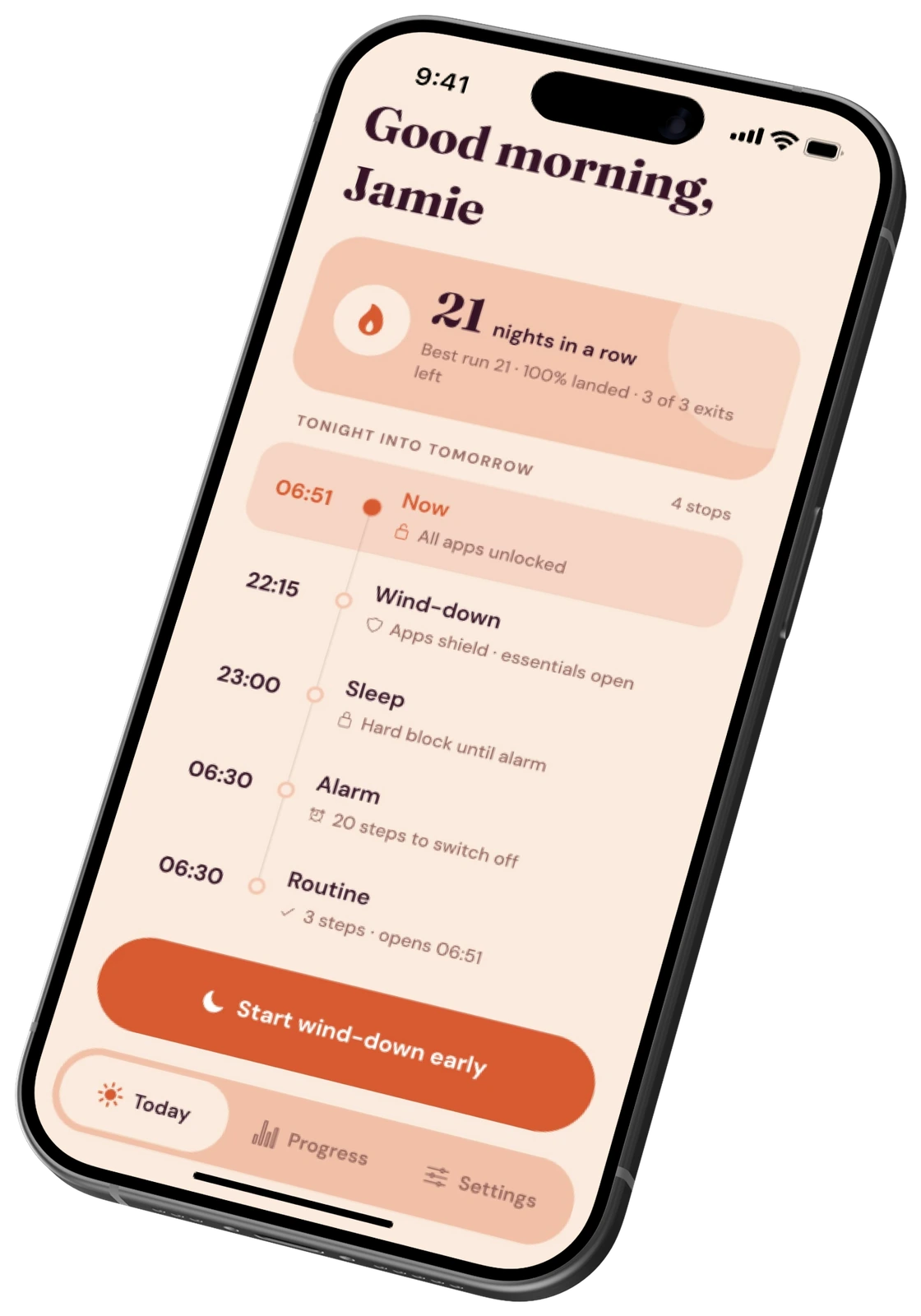
Four states. You decide them once, in the morning, when you're honest.
Wind-down
The apps you chose shield themselves. Essentials stay open, and you get told exactly what just changed.
Sleep
A hard block, and a screen deliberately not worth looking at. Three emergency exits a month, never hidden.
Alarm
A 30-second ramp, not a jolt. It stops once you have walked 20 steps, so the phone has to leave the bed.
Morning routine
Your steps, one at a time. Apps stay shielded until it ends, and the window closes on the clock, not on you.
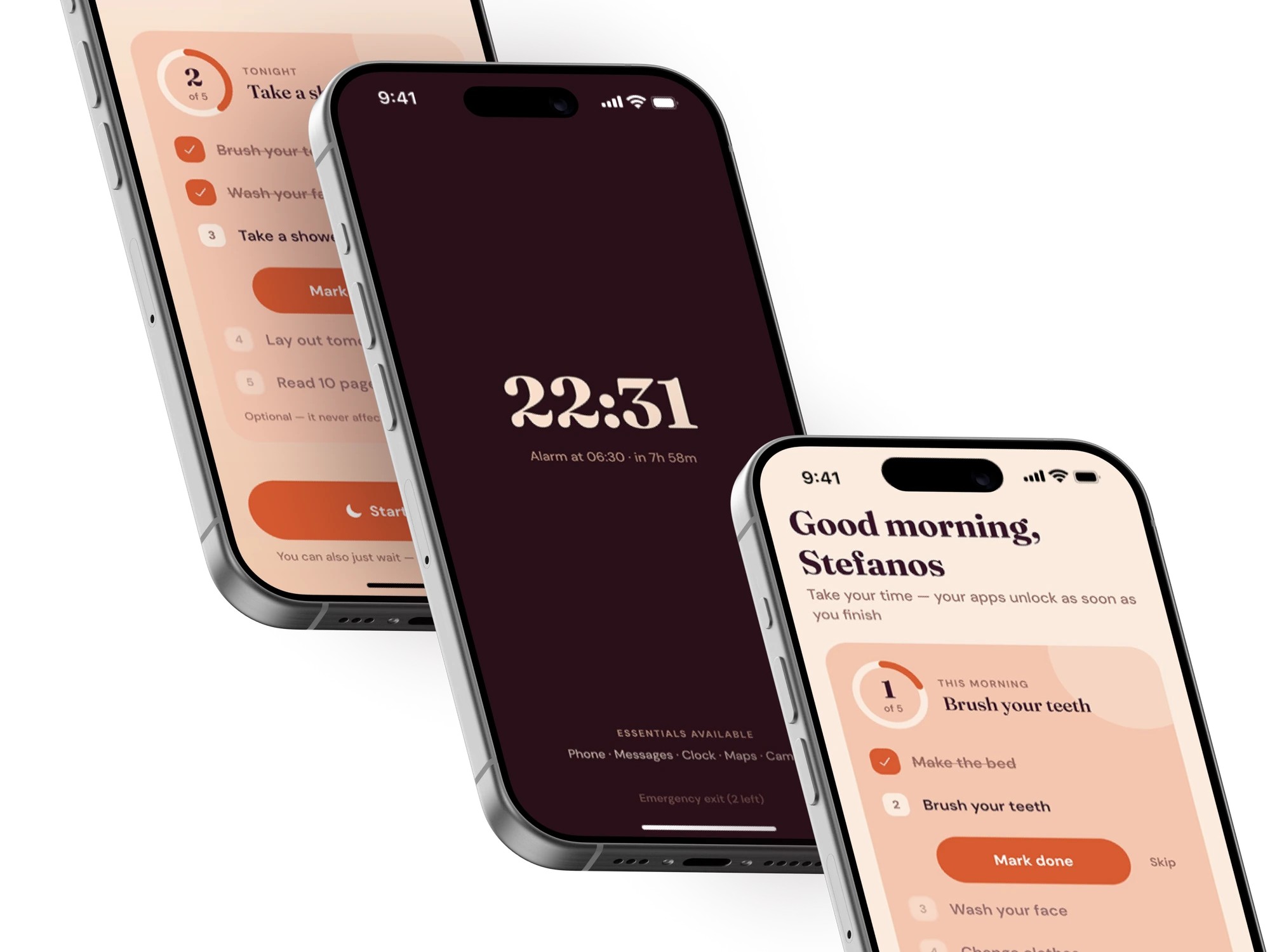
A sleep screen that is interesting to look at is a bug.
No streak, no stats, no progress: nothing that rewards opening your phone at two in the morning. Just the time, the alarm, and the way out if you genuinely need it.
- Phone
- Messages
- Clock
- Maps
- Camera
Before you download.
What people ask before they let an app decide when their night ends. Tap a question for the straight answer.
What if I have a real emergency at night?
You get three emergency exits a month, and each one tells you its cost before you tap it: "uses 1 of 2 remaining, marks today Missed." No maze, no guilt.
What if my kid, partner, or a coworker needs to reach me?
Phone and Messages never shield, full stop. Neither do Clock, Maps or Camera. Essentials are not on the shield list and cannot be added to it.
What if my alarm doesn't go off, or my phone dies?
Honestly: Dawnwell is the alarm, and it needs the phone powered. If your phone is dead, nothing on it, including this, will wake you. Keep a physical backup for nights that matter.
Is this iOS, Android, or both?
Both. Dawnwell is coming to iOS and Android. Join the waitlist for early access.
How is this different from Screen Time or Sleep Focus?
Screen Time limits, Sleep Focus and Android's Bedtime mode are easy to wave away at night: a tap or two and the app is back. Dawnwell puts a hard block on the apps you chose for the whole sleep window, getting out early costs one of your three emergency exits a month, and in the morning those apps stay shielded until your routine is done.
Can I change my schedule once I've set it?
Yes. You decide it once, in the morning, when you're honest, and you can redecide it the same way. Changing tonight's window specifically is capped at two changes and says so first.
What happens if I cancel?
Cancel anytime, no questions asked. Your access continues until the period you already paid for ends.
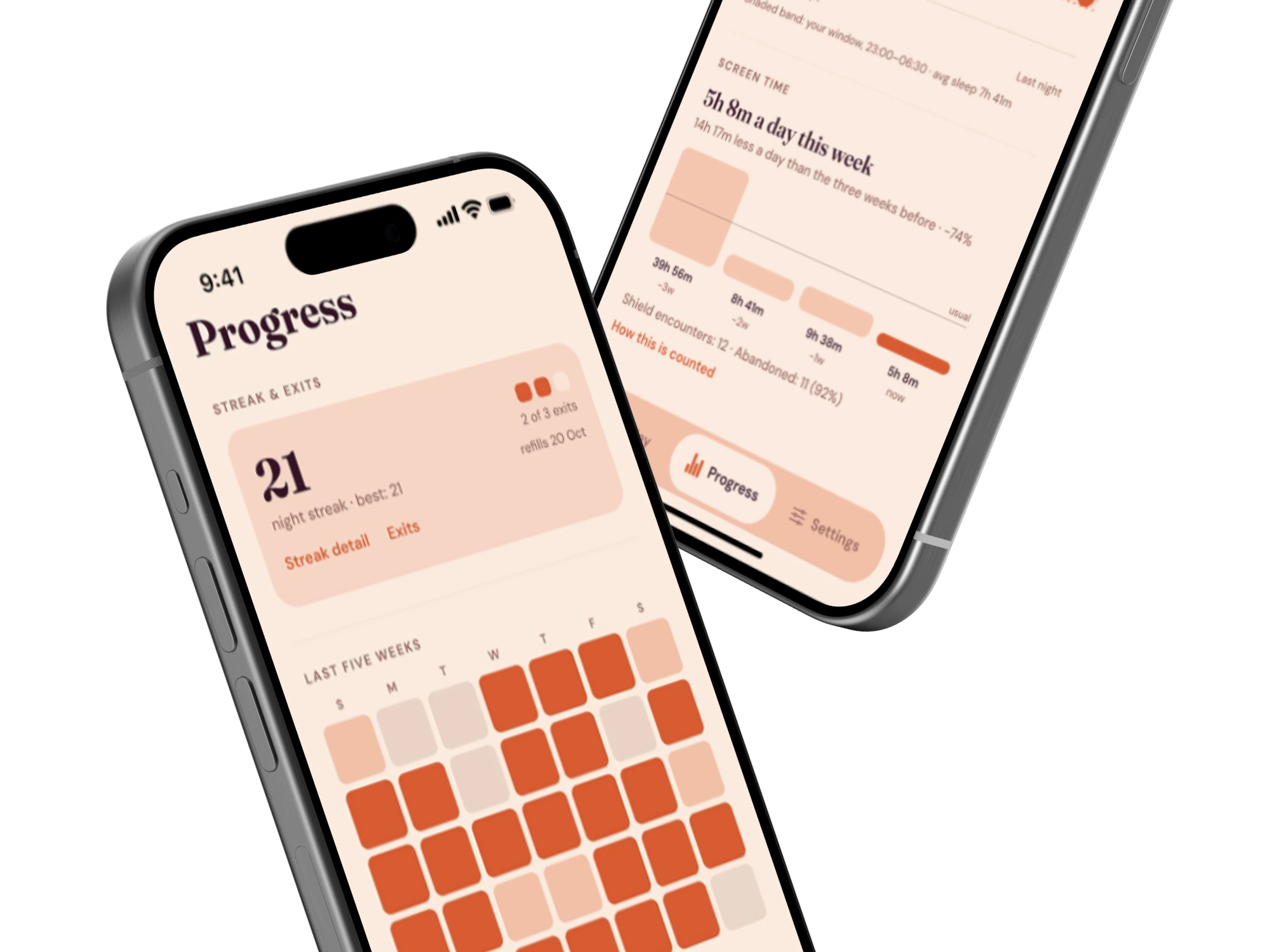
We score what you chose to do. Never how well you slept.
Bedtime, rising, exits, routine: behaviour you control. Five independent axes, so one broken streak never zeroes your whole sense of progress.
Skip the line when we open up.
Join the waitlist. No payment, no commitment required.
Know someone who scrolls in bed? Send them Dawnwell: