How to stop checking
your phone the second
you wake up
The first check of the day rarely feels like a decision. The alarm rings, the phone is already in your hand, and twenty minutes later you're still in bed. Here's why mornings start that way, and how to take the first part of your day back.
In this article9 sections · 10 min
The simplest way to stop checking your phone the moment you wake up is to make sure it isn't the first thing you touch. Charge it out of reach, let something else wake you, and decide the night before what your first 10 to 20 minutes will hold. For backup, schedule your most distracting apps to stay unavailable until that time has passed.
The habit usually looks like this. You reach over to silence the alarm, and the lock screen is already full: messages from overnight, a news alert, an email from another time zone. You open one, then another. By the time you sit up, the coffee isn't made and the day feels as if it started without you.
None of this means you're weak. Almost everything about waking up points you straight at the phone. Here's why, what the habit really costs, and how to set things up so your first minutes go somewhere you chose.
Why the first check is so automatic
Three things line up in the first minute of the day, and together they make reaching for the phone feel less like a choice than a reflex.
- The phone is the alarm. For many of us, the first act of the day is touching the phone to make it stop. You're already holding it, the screen is lit, and opening an app is one more tap.
- The night left a pile. While you slept, the world kept sending things. By morning the lock screen holds a stack of small open questions: who wrote, what happened, did anything go wrong? Answering any of them means unlocking the phone.
- You're not fully awake yet. The groggy stretch after waking is called sleep inertia. A 2019 review of the research describes it as a temporary spell of sleepiness, disorientation and impaired thinking on waking, and the Sleep Foundation says it generally lasts 15 to 60 minutes, sometimes a few hours. It isn't a moment for careful decisions, and scrolling asks almost nothing of a foggy brain.
The alarm puts the phone in your hand, the pile gives you a reason, and the fog removes most of the resistance. The habit is built from the setup, so the setup is what to change.
Is checking your phone first thing actually bad?
You may have read that looking at your phone first thing floods you with stress hormones or ruins your focus for the day. We couldn't find good evidence for claims that specific, so we won't repeat them. Most of the research we found on phones and sleep looks at nighttime use, not the first minutes of the morning.
That doesn't make the habit free. The costs are just more ordinary:
- Time. A quick look in bed easily becomes fifteen or twenty minutes, taken from the parts of the morning you meant to enjoy.
- Mood. The first things you read set a tone. A work problem or a grim headline comes with you into the shower and the commute.
- Whose morning it is. An inbox is a list of what other people want from you. Opening it first means the day starts with reacting, before you've decided what matters to you.
And if you check one thing on purpose, like whether your train is running, then put the phone down, there's nothing to fix. This guide is for the check that starts small and quietly takes over the morning.
Move the alarm, not just the phone
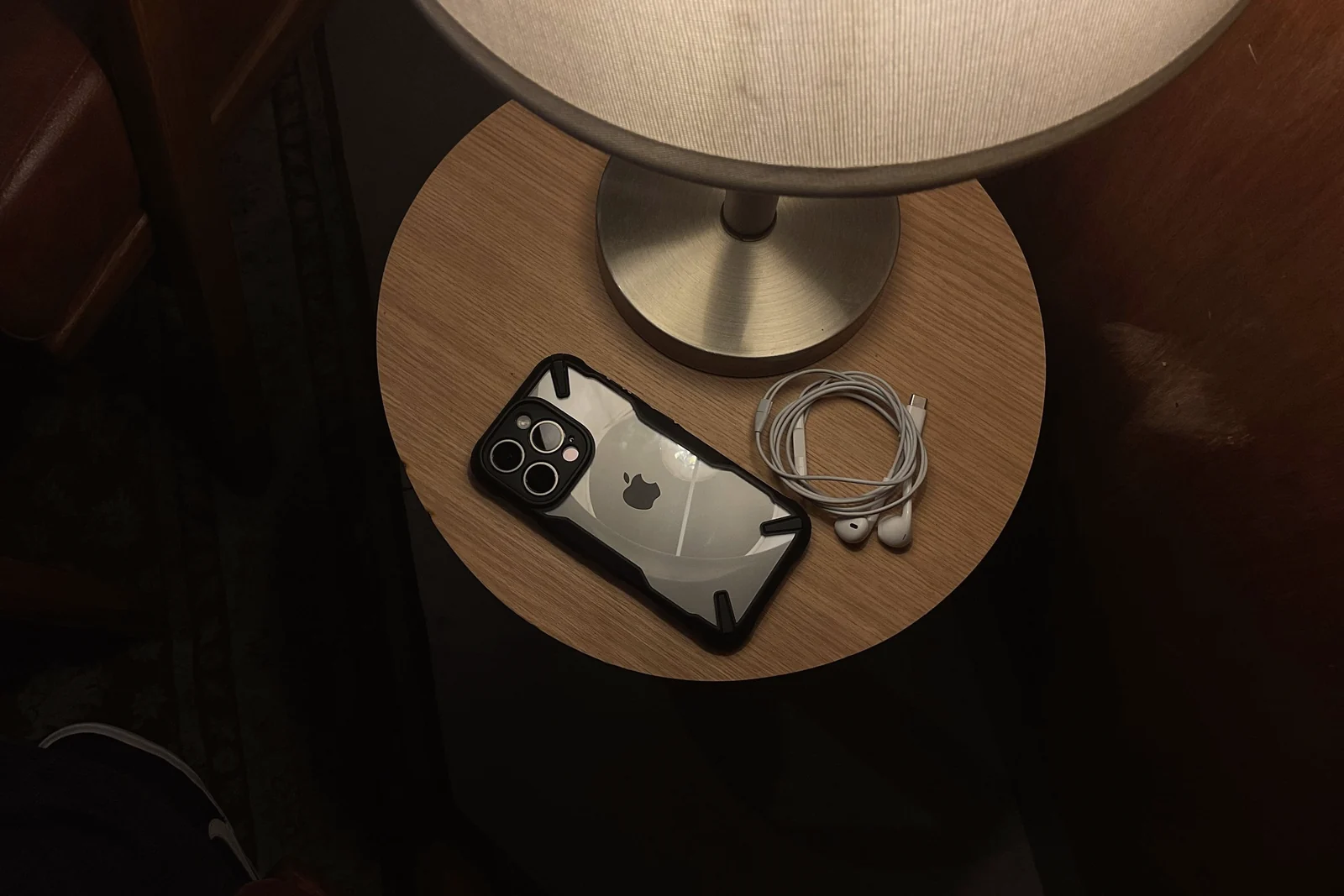
The usual advice is to keep the phone out of the bedroom. It's good advice, and it often fails for one practical reason: the phone is the alarm. As long as the thing that wakes you also holds every feed, the first check is built in.
If your phone is your alarm
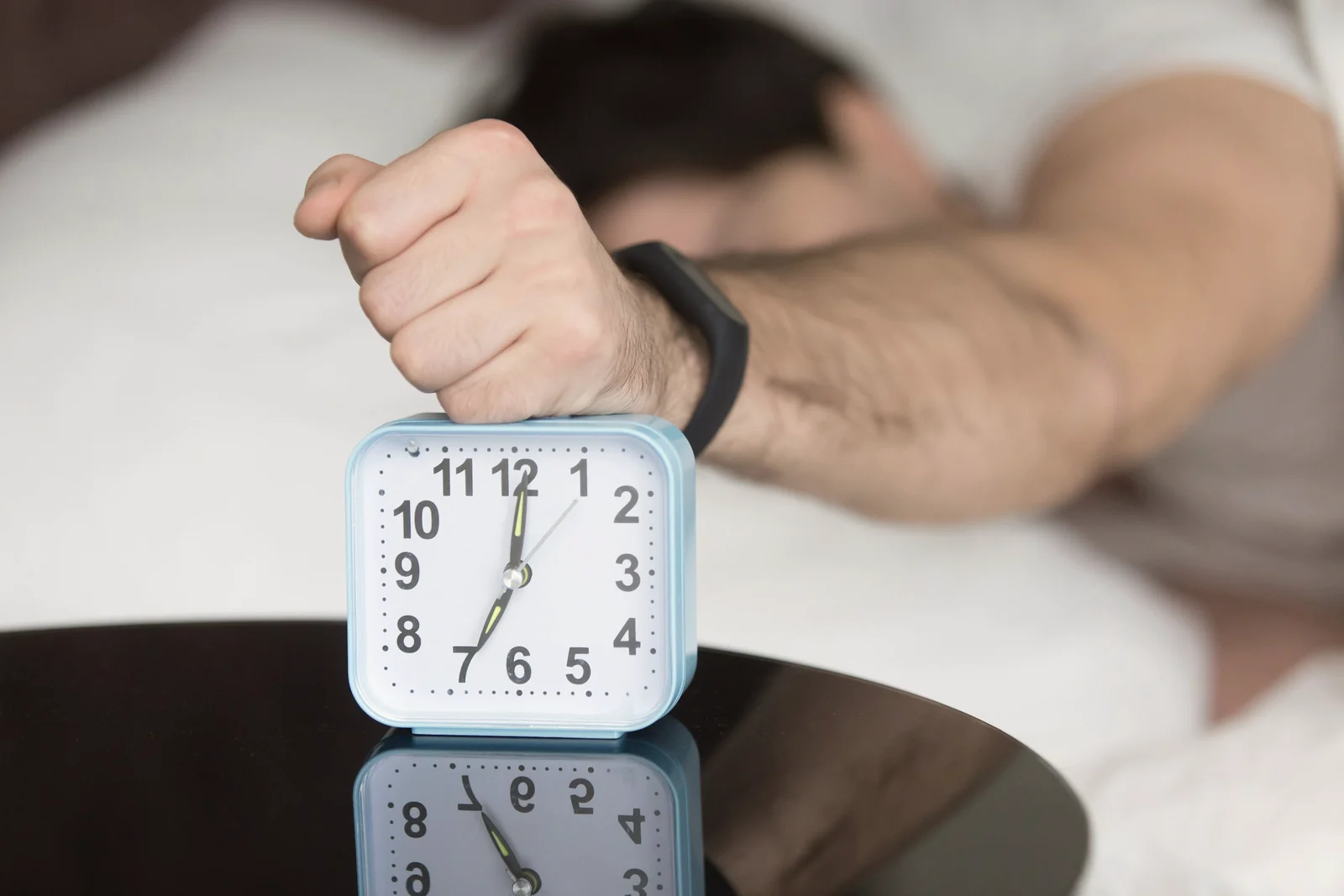
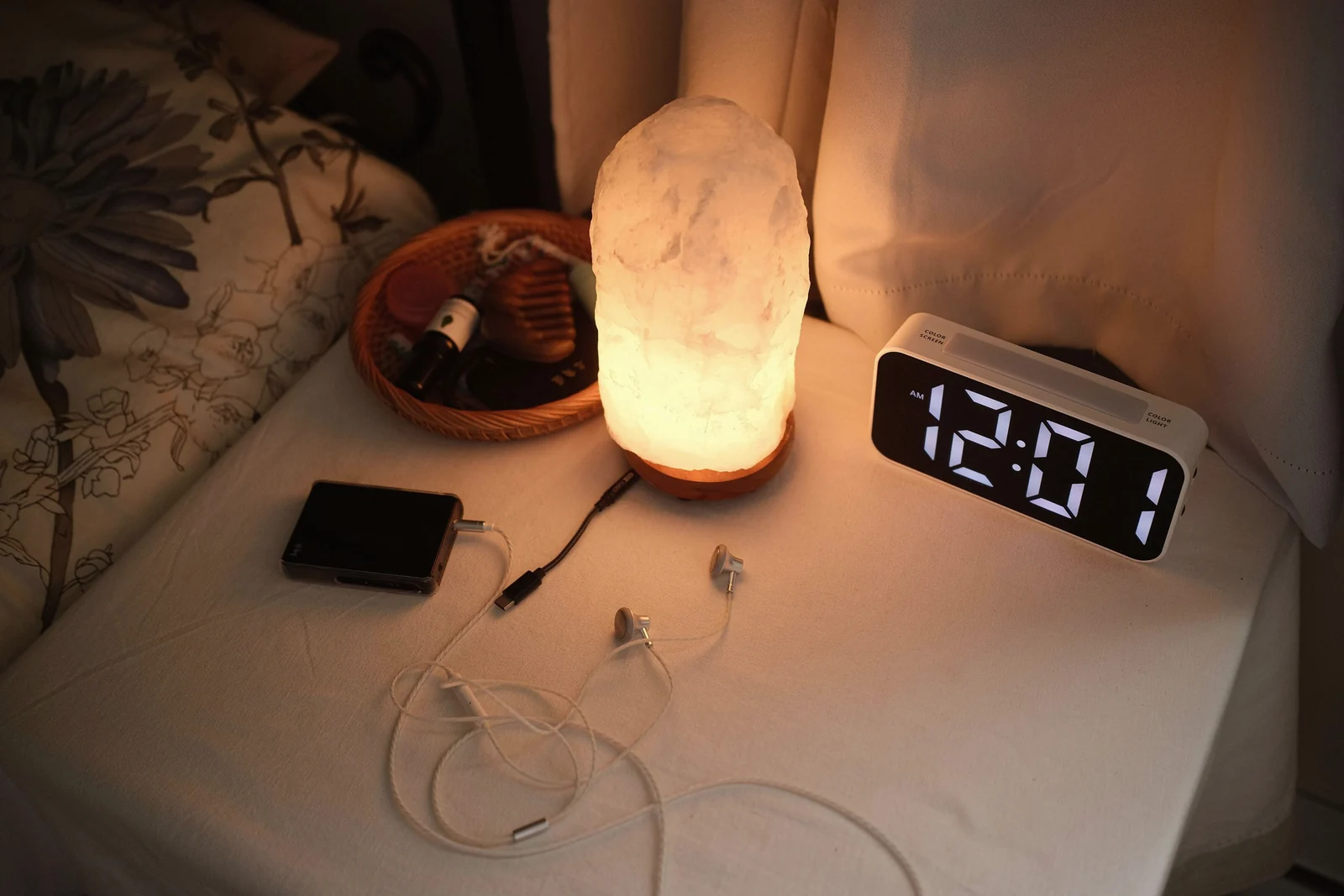
The cleanest fix is a separate alarm clock, so the phone can charge in the kitchen or hallway overnight. Our guide on how to stop using your phone before bed covers charging it away from the bed. If a loud beep is a rough way to wake, the Sleep Foundation suggests gentler options, like a sunrise alarm that wakes you with gradually increasing light.
If you'd rather keep using the phone, put it across the room so you have to stand up to switch it off. Once you're on your feet, leave it there and walk out of the room. Turn off snooze too, since every snooze is another trip back to the screen. (If snoozing is the bigger battle, here's how to get out of bed without snoozing.) On iPhone, if your alarm belongs to a sleep schedule in the Health app, you can change the wake up alarm in the Clock app under Alarms, then Change: switch Snooze off in Alarm Options, then choose Change This Schedule. A sleep schedule also comes with a Sleep Focus, which can filter out notifications before and during bedtime.
If you share a bed
With a partner, agree on the basics during the day rather than at 6 a.m.
- Whoever gets up first takes their alarm, and their phone, out of the room with them.
- If your wake-up times differ, a quiet alarm clock on your side avoids waking the other person.
- Phones stay out of the bed in the morning until you're both up. It's much easier to leave yours alone when the person next to you isn't scrolling.
Decide your first 20 minutes the night before
A morning without the phone needs something in its place, and the moment you wake up is the worst time to invent it. Decide the evening before, while you're thinking clearly. If you already have an evening routine, this fits onto the end of it; our guide to building a night routine that actually sticks has a short one you can borrow.
- Write tomorrow's first 20 minutes on paper. Three or four lines is plenty: get up, open the curtains, glass of water, shower. Leave the note where the phone used to be.
- Set up the first step. Fill the kettle, put out a mug, or lay out clothes.
- Move the morning's information. If you check your phone for the weather or your first meeting, look tonight and add it to the note.
- Park the phone. Put it on charge where you can't reach it from bed.
- Choose when the phone comes back. Make it an event rather than a time: once you're dressed, after breakfast, on the bus.
What goes into the 20 minutes matters less than having it decided. Light is a good start: the Sleep Foundation lists natural light among the things that can help reduce morning grogginess. After that, keep it simple: a shower, coffee made slowly, a few stretches, breakfast. It doesn't need to be productive. It only needs to be yours.
How long should you wait before checking your phone?
There's no official number. You'll find rules online for 30 minutes, an hour or the whole morning, but we aren't aware of research that settles on one, and the right wait depends on your job, your household and what you use the phone for.
If you're starting from scratch, aim for 10 to 20 minutes: long enough to get up and get some light, short enough to keep on a busy weekday. It also covers the foggiest stretch. In the studies gathered in that 2019 review, alertness and performance usually returned to pre-sleep levels within 30 minutes of waking, sometimes within 15, though full recovery seemed to take at least an hour.
Tie the wait to something you do every morning rather than to the clock, and stretch it later if it feels good. If work or family genuinely needs you early, check the one thing you need, on purpose and standing up, then put the phone down. Checking isn't the same as browsing.
Make your apps wait until you're up
Settings can hold the line on mornings when the fog wins. Menu names change between versions and phones, so treat these as starting points.
On iPhone, iOS 27 does this with Screen Time Schedules. Go to Settings, tap Screen Time, then Screen Time Schedule, and turn on Schedule. Add a schedule for the days you want, with a time window that starts at your alarm and ends 10 to 20 minutes later, and leave Time Allowance categories like Social Media and Entertainment out of it. Anything in Always Allowed, such as family contacts, stays available. Apple's guide notes these features need iOS 27 or later on all your Apple devices. On earlier versions, scheduled Downtime does a similar job: set it to end 20 minutes after your alarm instead of at it.
On Android, Focus mode in Digital Wellbeing pauses the apps you pick. Go to Settings, then Digital Wellbeing, then Focus mode, choose the apps, and tap Set a schedule so it switches on by itself at the start of your morning. If you use Bedtime mode, its Turn off Bedtime at next alarm setting ends it as your alarm goes off. For a quieter start, switch that off and set your bedtime schedule to end 20 minutes after you wake. Google's Digital Wellbeing help page has the details.
Neither is a locked door (Focus mode has a Take a break button), so think of a schedule as a speed bump rather than a wall.
When you slip (work, kids, travel)
Some mornings won't go to plan, so know your shorter version in advance.
- If work reaches you early
- Decide which one channel genuinely needs you before you're dressed. Check only that, then put the phone back.
- If your kids are your alarm
- The first minutes may not be yours to shape. The phone can still stay in the kitchen until everyone is dressed and fed, and your quiet stretch can come after the school run.
- If you're traveling
- A hotel room and a phone that's your only alarm make the old habit easy. Put the phone on the desk across the room, open the curtains first, and do a two-minute version of your routine.
Sometimes you'll just notice, halfway down a feed, that it happened again. Put the phone down and do the first thing on your note. Then treat the slip as information rather than a verdict: was it an alarm clock that wasn't set, or a phone left by the bed "just this once"? Each has a fix that doesn't involve trying harder.
A seven-morning experiment
Rather than promising yourself phone-free mornings forever, try one week and see what actually helps.
- Morning 1Just notice.
Use your phone as usual, but notice when you first touch it, what you open, and how long until you're up.
- Morning 2Move the alarm.
The night before, charge the phone out of reach or set up a separate alarm clock, and turn off snooze.
- Morning 3Shrink the overnight pile.
Switch off notifications from apps that don't need to reach you before breakfast. Keep the ones from people.
- Morning 4Write the note.
Before bed, put your first 20 minutes on paper and set up the first step.
- Morning 5Schedule the wait.
Set up a Screen Time schedule or Focus mode to keep your most distracting apps unavailable for 10 to 20 minutes after your alarm.
- Morning 6Test a harder morning.
A weekend lie-in or an early start. Use your short version and see whether it holds.
- Morning 7Look back.
Which change made the biggest difference? Keep what helped and let the rest go.
If you only change one thing, make it the alarm. Tonight, put your phone somewhere you'll have to get up to reach, and see how tomorrow's first few minutes feel with a little more room in them.
Common questions
Why do I check my phone as soon as I wake up?
Mostly because of the setup. If your phone is your alarm, it's already in your hand, overnight notifications give you a reason to unlock it, and post-waking grogginess (sleep inertia) makes the easy option the likely one.
Is it bad to check your phone first thing?
Not in any dramatic, proven way. The real costs are time lost in bed, a mood set by whatever you read first, and a morning that starts on other people's priorities. A quick, deliberate check is fine.
How do I wake up without my phone if it's my alarm?
Use a separate alarm clock and charge the phone outside the bedroom. Or put the phone across the room, so you have to stand up to switch it off, turn off snooze, and leave it there once you're up.
What should I do instead?
Something simple you decided the night before: open the curtains, drink some water, shower, make coffee or stretch. Pick up the phone once those first 10 to 20 minutes are done.