How to reduce
screen time before bed
Not all screen time is a problem. The trouble is the kind you never quite chose. Here's how to read your own nighttime patterns, use the tools already on your phone, and make the scroll a little less tempting.
In this article12 sections · 11 min
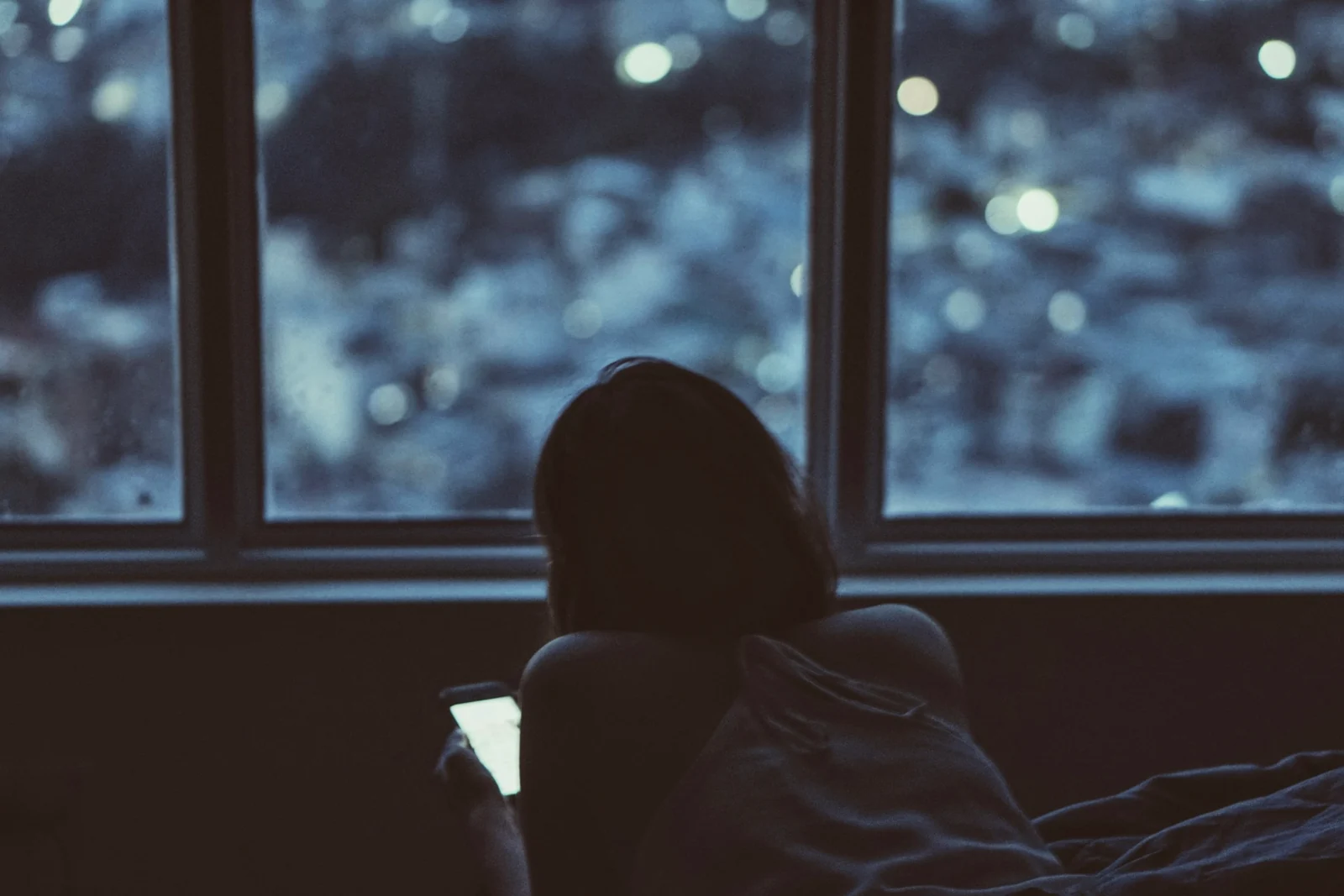
Not every minute on a screen at night is a problem. Watching a film with someone you love, calling a friend in another time zone, finally reading the long article you've been saving: those can be good ways to spend an evening. The screen time most of us want less of is a different thing. It's the kind we didn't really choose, the drift from one app to the next that leaves us feeling slightly worse than when we started.
So bringing a number down to zero isn't the point. Making more of your evening screen time intentional, and less of it automatic, is a far more useful goal, and a far more achievable one.
If you want the short version: most sleep guidance suggests switching screens off at least 30 minutes before bed, and up to an hour if you can. The way to reduce screen time before bed is to make that cutoff easy rather than heroic: see where your evening screen time actually goes, silence what pulls you back, schedule a quieter phone for the last part of the evening, charge it out of reach of the bed, and give the scroll a calmer replacement.
Intentional use versus automatic scrolling
A simple way to tell the two apart is to ask three questions about what you're doing:
- Did I choose this? Opening a particular video because you wanted to watch it is different from opening an app because your thumb went there on its own.
- Do I know when I'll stop? An episode, a chapter or a call has an end. A feed doesn't.
- How will I feel about it afterwards? Intentional use usually leaves you feeling fine. Automatic scrolling often leaves a faint sense of time slipping away.
You don't need to interrogate yourself every time you pick up your phone. But keeping these questions somewhere in the back of your mind makes it easier to notice the moment a choice quietly turns into a habit.
Find your own nighttime pattern
Before changing anything, spend a few days observing. Your phone probably already tracks more than you'd expect, and the numbers are often surprising, because the checks that add up are the ones we barely notice making.
For three or four evenings, look at your usage afterwards rather than while it's happening. Notice:
- The hour when your use tends to peak.
- The two or three apps that take up most of your evening.
- How many times you pick up your phone after dinner.
- Which app you open first when you pick it up without a plan.
- What was going on just before: boredom, stress, tiredness, avoiding something.
That last one is the most revealing. The app is rarely the whole story. It's usually doing a job for you, and it helps to know what the job is.
Use the reports your phone already keeps
Both iPhone and Android include tools that show where your time goes and let you set limits. Menu names change between versions and manufacturers, so treat these as starting points rather than exact directions.
On iPhone, Screen Time lives in Settings. It shows daily and weekly totals, a breakdown by app, how often you picked up your phone, and which apps send the most notifications. From there you can set Screen Time schedules (called Downtime in older versions of iOS), which restrict your phone to the apps you allow during set hours, and time allowances (formerly App Limits), which cap the time you spend in particular apps or categories.
On Android, look for Digital Wellbeing in Settings (on some phones it sits alongside parental controls). It offers a dashboard of app usage, app timers that pause an app once you've reached your limit for the day, and Focus mode, which pauses the apps you choose on a schedule (a "Take a break" button unpauses them for a while). Bedtime mode is separate: it can silence notifications and fade the screen to grayscale on a schedule, but it doesn't block any apps.
Focus modes, notifications, and grayscale
Three settings do a lot of quiet work at night.
A sleep or bedtime focus
The Sleep Focus on iPhone and Bedtime mode on Android silence notifications on a schedule while still letting chosen people and apps through. Set yours to begin when you start winding down, not when you get into bed, so the evening gets quieter before you're lying down. Add the people you'd want to hear from in an emergency to the allowed list, and you'll feel less need to keep checking.
A notification clear-out
Go through your notification settings once, during the day. A useful rule of thumb: keep notifications from people, and switch off most notifications from apps. Likes, recommendations, "you might have missed" reminders and promotional alerts exist to bring you back. Very few of them are things you'd miss.
Grayscale
Turning your screen gray strips out much of the color that makes feeds and thumbnails eye-catching. On iPhone, you'll find it in the Accessibility settings, under display options, as a color filter. On Android, Bedtime mode can switch it on automatically. Some people find it makes their phone noticeably less appealing at night; others barely notice the difference. It's easy to try for a week and see which group you're in.
Put physical distance to work
Settings help, but nothing beats distance. A phone you can't reach from bed is a phone you have to decide to get up for, and that small effort is often enough to interrupt the automatic reach.
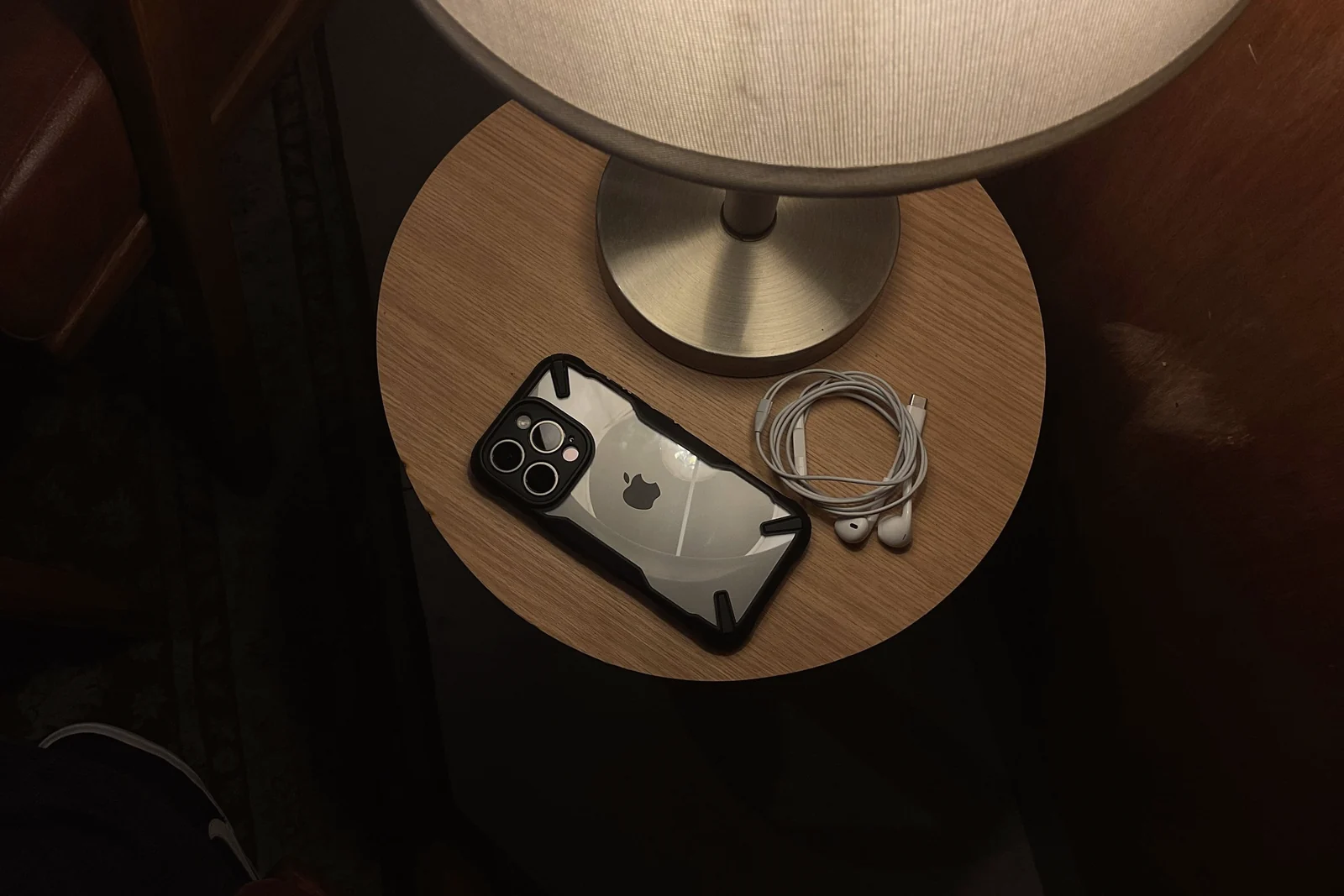
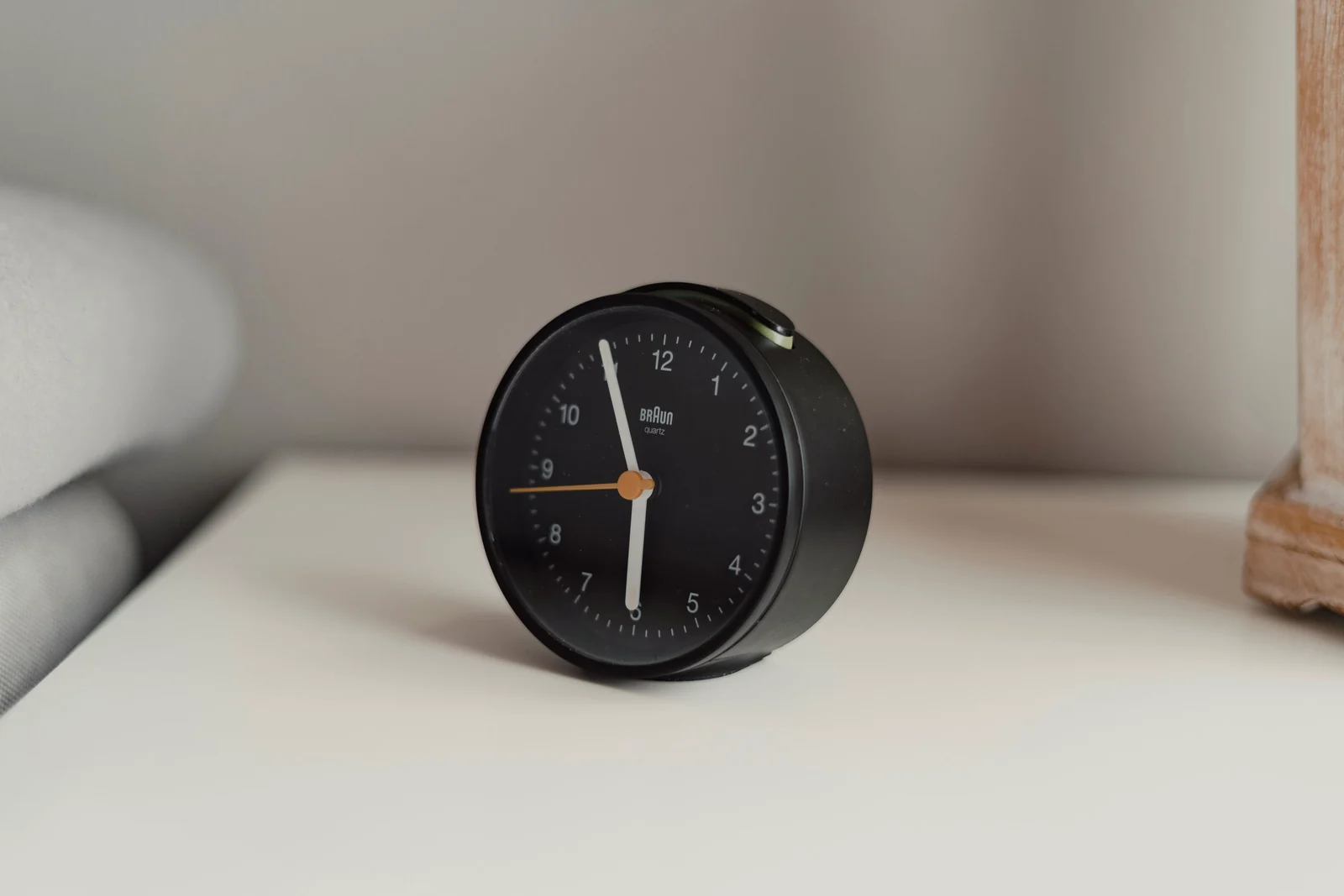
Choose a charging spot outside the bedroom if you can, or at least across the room, and use a separate alarm clock if your phone currently wakes you up. If you need to stay reachable, leave the ringer on for calls from the people who matter; you'll hear it if it's important. We go into more detail on this, and on why willpower alone tends to fail, in how to stop using your phone before bed.
Replace the habit instead of just removing it
Habits stick around because they do something for us. Late-night scrolling might be how you unwind, how you feel connected, how you avoid thinking about tomorrow, or simply how you fill the gap between being tired and being asleep. Take the phone away without replacing what it was doing, and the need is still there. Sooner or later, it finds its way back to the phone.
Try naming the job, then finding another way to do it:
- If you reach for your phone to unwind
- Try a book, an audiobook on a sleep timer, or a few minutes of slow stretching.
- If you reach for it to feel connected
- Message the people you care about earlier in the evening, then let the conversation wait until morning.
- If you reach for it to quiet your thoughts
- Write down what's on your mind, especially anything about tomorrow, before you get into bed.
- If you reach for it out of pure habit
- Keep something else within reach where the phone used to be: a book, a notebook, a glass of water.
Replacements work best when they're part of a small, repeatable evening. Our guide to building a night routine that actually sticks shows one that takes about 25 minutes.
Choosing tools that support better habits
Plenty of apps promise to help you use your phone less. Before choosing one, it's worth asking what you need it to do. A few questions help:
- Does it work when you're at your weakest? A tool you have to switch on yourself at 11 p.m. relies on the same willpower you're trying to support.
- Does it protect what matters? You should still be able to take a call, read a message from family, and rely on your alarm.
- Is the way out honest? Too easy to bypass, and it becomes one more notification to dismiss. Impossible to bypass, and it may feel unsafe or end up uninstalled. A clear, deliberate exit is usually the sensible middle.
- Does it treat you like an adult? Guilt and harsh penalties might work for a few days. Tools that stay calm when you slip tend to last longer.
When app blockers help, and when they don't
App blockers can be genuinely useful. Their main strength is that they move the decision earlier. Instead of negotiating with yourself every night, you set the rules once, when you're thinking clearly, and the blocker holds them for you. It adds friction at the exact moment you'd otherwise drift into an app, and that pause is often enough. If you'd rather start with the settings already on your phone, here's how to block apps at night on iPhone and Android.
They have real limits too. A blocker can't make you sleepy, and it can't remove the reason you were reaching for your phone in the first place. If you're scrolling to manage stress or loneliness, blocking one app may simply send you to another. Very strict setups can backfire as well: if a blocker feels like a punishment, it's tempting to hunt for a workaround or delete it altogether. And no blocker can anticipate everything life throws at you.
The healthiest way to think about a blocker is as support for a decision you've already made, rather than a substitute for making one.
That idea is the starting point for Dawnwell. You choose a sleep window and the apps you want shielded once, during the day. In the wind-down period before sleep, those apps shield themselves, and they stay blocked through the night. Phone, Messages, Clock, Maps and Camera never shield. If you genuinely need a way out, there are three emergency exits a month, and each one tells you exactly what it costs before you use it. It won't make you fall asleep. What it can do is take the nightly negotiation off the table. See how a night runs.
Make it sustainable, not extreme
It's tempting to go all in: delete every social app, put strict limits on everything, promise no screens after 8 p.m. Dramatic changes can feel great for a few days. Then life gets in the way, and the old habits return with interest.
Small, steady changes last longer. Move your cutoff earlier fifteen minutes at a time. Limit the one app that eats most of your evening rather than all of them. Keep the screen time you genuinely enjoy, like a show you watch with someone, and protect it from the scrolling around it. If a change makes your evenings feel worse, adjust it instead of gritting your teeth.
A seven-day plan to reduce screen time before bed
Think of it as a gentle digital detox before bed: one small change a day, nothing you'd need to white-knuckle.
- Day 1Look before you change.
Open your screen time report and note your evening peak, your top three apps, and how often you pick up your phone after dinner.
- Day 2Clear out notifications.
Keep the ones from people, silence most apps, and switch off anything promotional.
- Day 3Schedule a quieter evening.
Set up Sleep Focus or Bedtime mode to start thirty minutes before you want to be asleep.
- Day 4Move the charger.
Find a spot you can't reach from bed, and set up a separate alarm if you need one.
- Day 5Choose your replacement.
Pick one thing to do instead, based on the job the phone was doing for you.
- Day 6Add one limit.
Set a time limit or a schedule for the single app that takes most of your evening. Try grayscale too, if you're curious.
- Day 7Review and keep what works.
Compare this week's report with last week's, and think about how your evenings felt. Keep the changes that helped and drop the ones that didn't.
Common questions about screen time before bed
What does screen time before bed do to your sleep?
Three things, mainly. Bright screens can reduce or delay the melatonin your body makes in the evening. Stimulating content keeps your mind switched on when it should be slowing down. And time on a screen in bed is time not spent asleep, which may be the biggest effect of all: in a survey of more than 45,000 university students in Norway, each extra hour of screen use after going to bed was linked to about 24 minutes less sleep. There's more on each of these in whether it's bad to use your phone before bed.
How long before bed should you stop screen time?
Aim for at least 30 minutes, and an hour if you can manage it. That's the range the CDC and the American Academy of Sleep Medicine suggest, and 30 minutes is what helped in a small pilot trial, where students who slept poorly fell asleep faster and slept longer after four weeks of putting their phones away before bed. If that's a big jump from where you are now, move your cutoff earlier fifteen minutes at a time. For the longer answer, see how long before bed to put your phone away.
Does night mode make screen time before bed okay?
It helps less than people hope. Warmer colors are easier on the eyes, but in a study of 167 young adults, sleep was no different with Night Shift on than with it off. What you're looking at, and for how long, probably matters more.
The takeaway
You don't have to win a battle with your phone to have calmer evenings. Make the automatic part a little harder and the intentional part a little easier, and the evening you want slowly becomes the one that happens by default. Start with what your phone is already telling you, change one or two things around it, and give it a full week before you judge the results.