Screen Time Downtime
not working?
Here's the fix
Most of the time, downtime isn't broken. It's set to remind rather than block, or something you allowed is quietly letting apps through. Here's how to find which, and how to make it hold at night.
In this article5 sections · 5 min
When Screen Time downtime isn't working on an iPhone, the cause is usually a setting, not a bug. The most common: Block at Downtime is off, so downtime only shows a reminder; there's no Screen Time passcode, so the block can be switched off; or the app you keep opening is in Always Allowed. On iOS 27, Downtime has been replaced by Screen Time Schedules, which need iOS 27 on all your Apple devices. Work through the checklist below, then close the gaps that make downtime easy to ignore.
The quick checklist
On iOS 26 and earlier, open Settings, Screen Time and check each of these:
- App & Website Activity is on. Apple's setup starts here, and downtime depends on it.
- Downtime is set to Scheduled, on the right days (Every Day or Customize Days), with the times you expect.
- A Screen Time passcode is set (Lock Screen Time Settings).
- Block at Downtime is on. It only appears once the passcode exists.
- The app you keep opening isn't in Always Allowed.
- Under General, Date & Time, Set Automatically is on, so the clock downtime runs on can't drift.
If all six are right and apps still open, go through the symptoms below.
Fixes by symptom
Apps still open during downtime
This is almost always Block at Downtime. Apple's guide spells out the difference: with it on, restricted apps can't be opened and appear dimmed with an hourglass; with it off, you get a reminder that it's downtime and can keep using the apps. If you see a reminder rather than an hourglass, turn the switch on. If you can't find it, our explainer on what Block at Downtime means covers why it goes missing.
If only one app gets through, check Always Allowed. Anything listed there is available during downtime by design.
Downtime doesn't start, or starts at the wrong time
Check that Scheduled is on and that Customize Days hasn't left out the night you're testing. When downtime is scheduled, Apple sends a reminder five minutes before it starts; if you never see one, the schedule isn't running. For a one-off night, Turn On Downtime Until Tomorrow starts it immediately.
Also check the clock. Downtime follows your iPhone's time, and changing the time or time zone by hand is a well-known way around it. Keeping Set Automatically on rules out accidental drift.
Downtime or Block at Downtime is missing
If your Screen Time page shows Screen Time Schedule and Time Allowances instead of Downtime, you're on iOS 27. Apple replaced Downtime with schedules made of time windows, each listing which app categories you can use. To block apps at night, create a night window that leaves out the categories you want shut. If you're on iOS 26 and only Block at Downtime is missing, set a Screen Time passcode first.
The schedule doesn't apply on your other devices
On iOS 27, Apple says Screen Time Schedules and Time Allowances need iOS 27, iPadOS 27, macOS 27 or the matching version on all your Apple devices, and the same goes for every device in a Family Sharing group. An iPad or Mac left on an older version is the usual culprit. Update it, then check the schedule again.
It's your child's iPhone
Set downtime from your own device: Settings, Screen Time, then your child's name. Apple says the child's Screen Time passcode is set on the parent's device too. If your child has learned the passcode, change it; Apple's own tip is to change the code and turn on downtime for the rest of the day.
Why downtime is easy to ignore, even when it works
Everything above makes downtime work. None of it changes the fact that the phone's owner can usually undo it, which is reasonable for a setting and exactly why it fails at night.
- Limits are ignorable by default. Apple notes that Screen Time limits can be ignored once they're reached, unless you block apps during downtime.
- You know your own passcode. A code you chose is a code you can type at midnight.
- Recovery runs through your Apple Account. With Screen Time Passcode Recovery set up, you can reset a forgotten code with your Apple Account, so forgetting it on purpose doesn't help.
- Apps can be deleted and reinstalled. Screen Time's Content & Privacy Restrictions can stop app deletion; without that, removing and re-downloading an app is another way around a limit.
- Sleep Focus isn't a block. If what you set up was Sleep Focus, apps still open; it only quiets notifications and calls.
How to make downtime hold at night
- Turn on Block at Downtime. Or on iOS 27, leave the tempting categories out of your night window.
- Hand over the passcode. Ask a partner, housemate or friend to type it while you look away, and decide together whose Apple Account handles recovery.
- Trim Always Allowed. Keep the people who might need you and anything you'd want in an emergency. Nothing else.
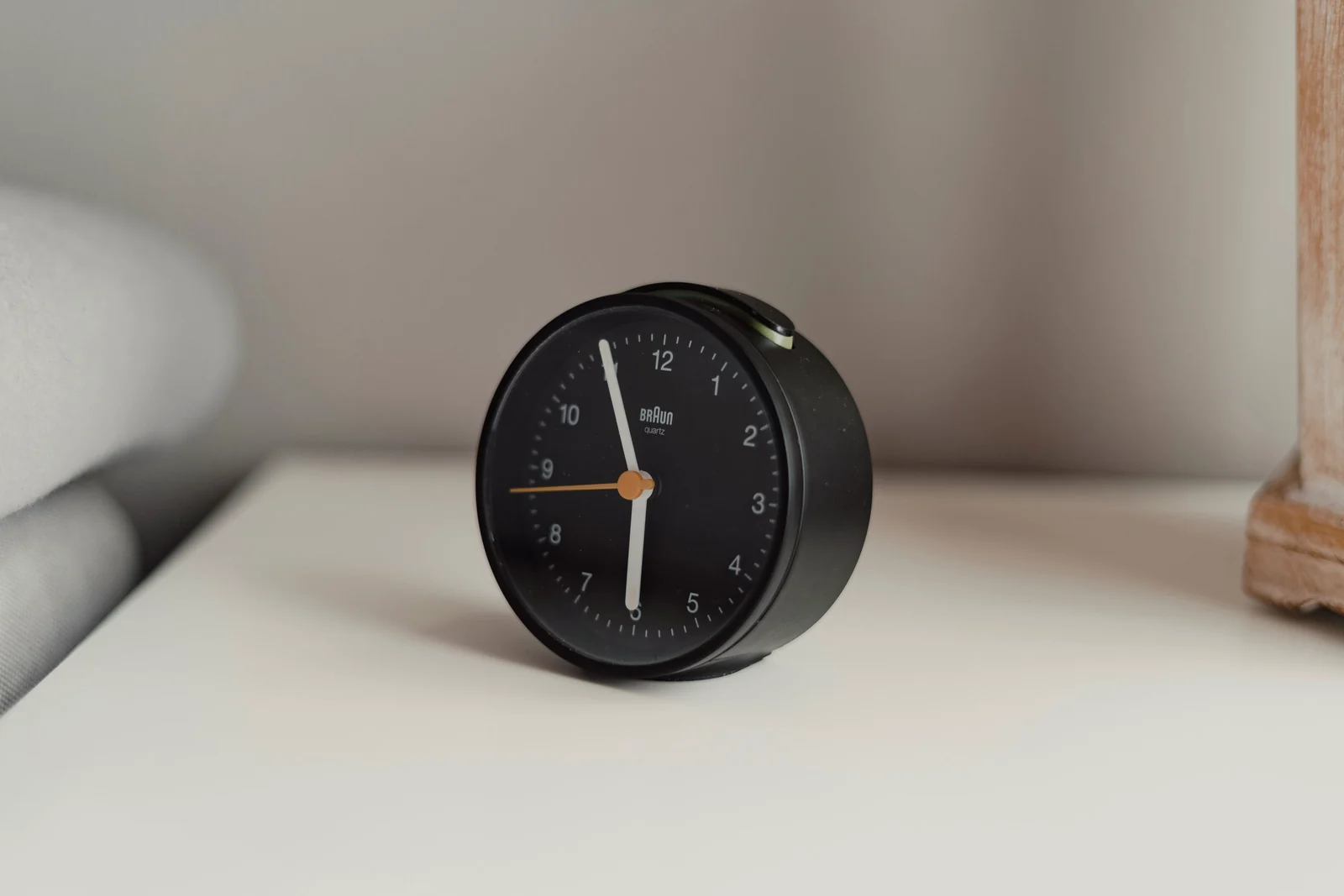
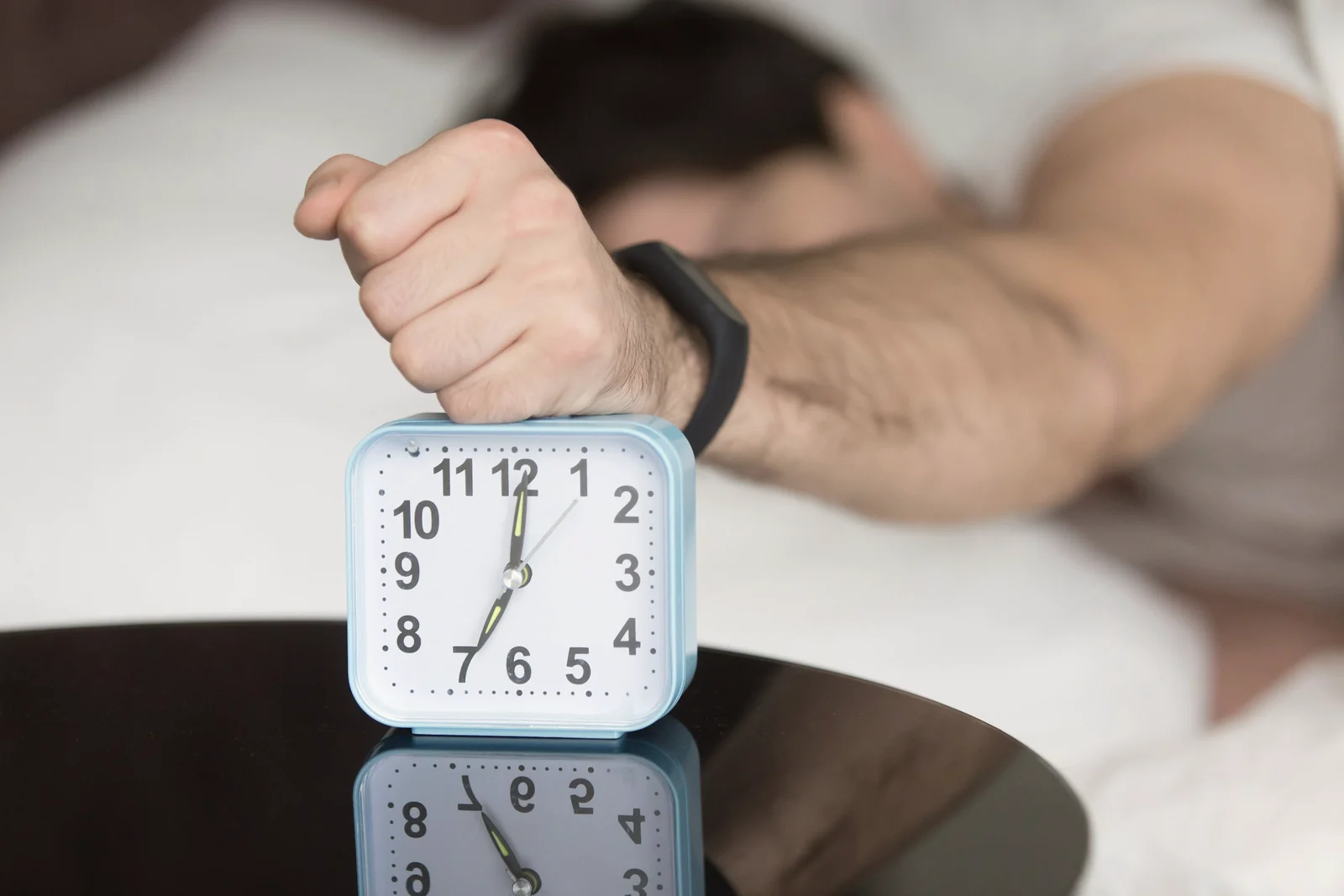
- Charge the phone out of reach. A setting is the backup. A phone across the room is the plan, and a cheap alarm clock replaces it as your alarm.
The full setup, including Android, is in our guide to blocking apps at night on iPhone and Android. If the scrolling is less about the phone and more about finally having time to yourself, revenge bedtime procrastination is worth a read.
Common questions
Why can I still use apps during downtime?
Either Block at Downtime is off, so downtime only reminds you, or the app is in Always Allowed. Turning on Block at Downtime needs a Screen Time passcode.
Does downtime work without a passcode?
It runs, but only as a reminder you can tap past, and anyone holding the phone can change the settings. The passcode is what makes the block possible.
Why doesn't downtime turn off in the morning?
Check the end time and the days under Scheduled, and whether you turned on downtime by hand with Turn On Downtime Until Tomorrow. On a child's phone, the schedule is set from the parent's device.
Is Screen Time Downtime gone in iOS 27?
Yes, as a separate screen. iOS 27 uses Screen Time Schedules, made of time windows, and Time Allowances, which cap how long app categories can be used. A night window without your tempting categories does what Downtime did.