A ScreenZen alternative
for your nights
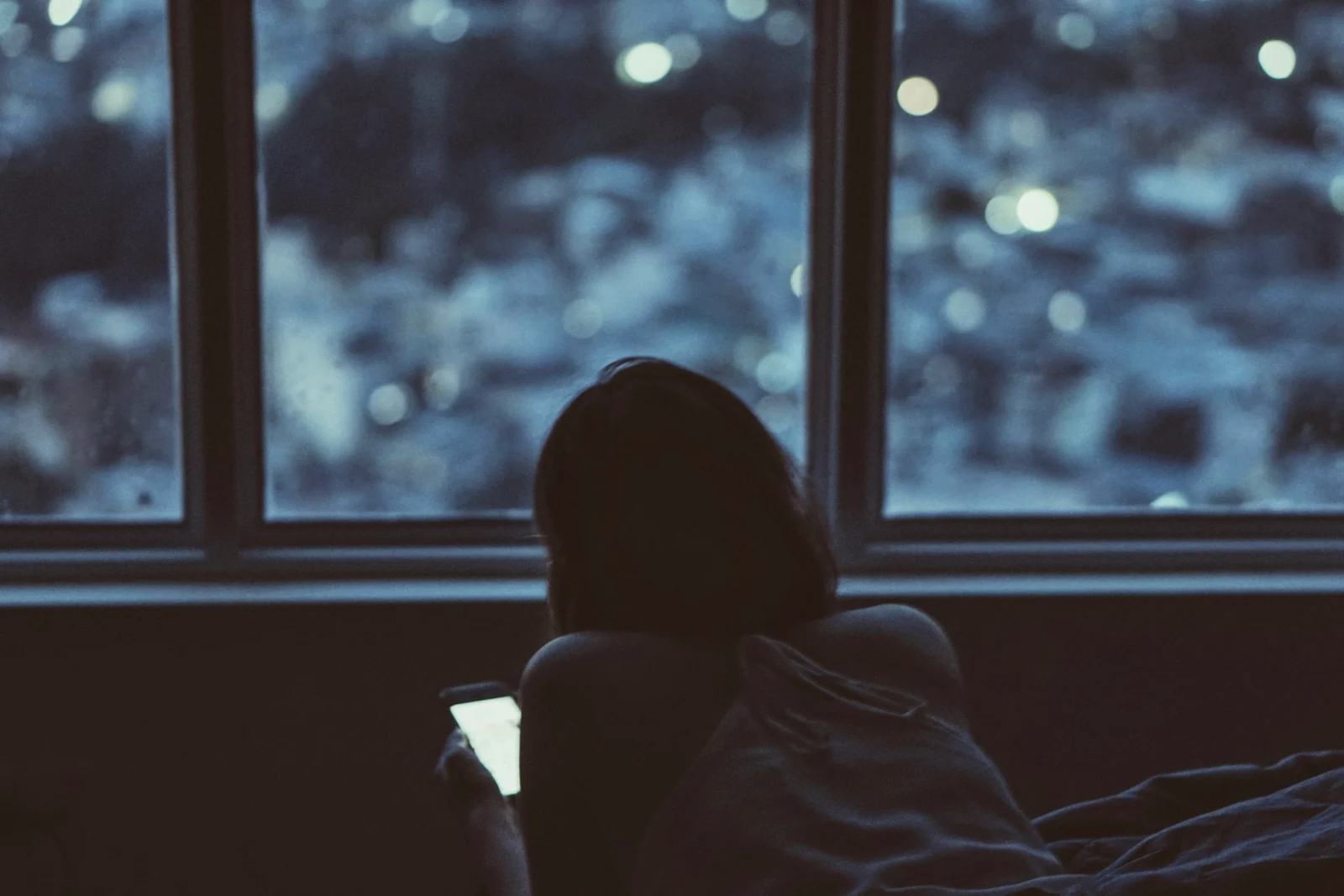
ScreenZen is free, generous and very well rated, and for a lot of people it's the only screen time app they'll ever need. But if your trouble is the phone in bed at midnight and again at 7 a.m., it's worth knowing how a night-first blocker differs.
In this article6 sections · 7 min
If you're searching for a ScreenZen alternative, you probably already know ScreenZen is good. It's free, it's flexible, and it can be strict when you ask it to be. So the real question isn't which app is better. It's which one fits the hours you're struggling with. ScreenZen is a toolkit for your whole day: pauses, limits, schedules and locks you set up the way you like. Dawnwell, which we make and which isn't out yet, does one narrow job: it shuts the apps you choose from before bed until your morning routine is done.
What ScreenZen does well
ScreenZen runs on iPhone, iPad, Mac and Apple Vision, and on Android. On the US App Store it's rated 4.9 out of 5 from about 53,000 ratings, and on Google Play 4.8 from about 35,000 reviews, with more than a million downloads, at the time of writing. Its site says over 500,000 people use it every month. Going by that site, its App Store listing and its Google Play listing, you get:
- A pause before the app opens. A short wait before a chosen app or website, which can grow longer each time you open it that day. Breathing and short activities fill the wait.
- Scroll interruptions. Short timed check-ins break up a long scroll, with prompts like "Is this important?"
- Goals and schedules. Limits per app, optionally blocking the app once you hit them, set by day of the week and time of day.
- Strict blocking and settings locks. Hard blocks by time range, number of opens or screen time, and a lock so you can't loosen your settings in a weak moment. Version 4.0 added locking settings with an accountability partner.
- Newer extras. A Minimal mode for social apps without Reels, Shorts or endless feeds, a daily screen time goal, habit tracking, streaks and a widget.
ScreenZen also pitches bedtime directly. Its site has a "Reclaim bedtime" section about not reaching for your phone in bed, morning and night. And it now sells halo, a separate device you put in your bedroom, at your desk or in a shared space to make that spot distraction free. The site says ScreenZen users take back 3 hours of screen time every day, with a footnote that this is the average reported by users. That's self-reported, and it's their number, not ours. Still, the app's ratings suggest a lot of people really do feel the difference.
If your phone pulls at you all day and you like tuning the rules yourself, ScreenZen is hard to beat. And it's available now.
Where a night-first blocker differs
ScreenZen can block hard. The difference is who designs the night. With a toolkit, you build the evening rules yourself, pick the times, decide how strict to be, and keep them working as your schedule shifts. That suits people who enjoy setting things up. Others want fewer choices, made once, and a block that knows when the night is over because of what they did, not what the clock says. That's the gap Dawnwell is built for.
- Toolkit or one job
- ScreenZen gives you many tools for every part of the day. Dawnwell does one thing: the night and the first part of the morning.
- When it starts
- The apps you choose shield themselves 45 minutes before your sleep time. There's no schedule to build and nothing to switch on.
- Through the night
- Dawnwell holds a hard block until morning, with no easy tap-through like Screen Time.
- When it ends
- As far as its listings describe, ScreenZen's blocks end on a schedule, a time or a limit. In Dawnwell, apps stay shielded in the morning until your routine is done, not just until the clock hits 7:00.
- What stays open
- Phone, Messages, Clock, Maps and Camera never shield. For real emergencies you get three exits a month, and each shows its cost before you tap it.
- What it tracks
- ScreenZen tracks screen time, goals and streaks. Dawnwell's progress scores your bedtime, when you get up, the exits you use and whether you finished your routine.
You set your sleep window and morning routine once, in the morning, when you're thinking clearly. Fewer settings, firmer grip. If ScreenZen already keeps your nights calm, keep it. Nothing here is a reason to switch.
What it costs
ScreenZen's site puts it plainly: "Less screen time. No subscription." It describes itself as the only donation-supported screen time app that blocks apps and websites. On the US App Store the in-app purchases are optional tips of $5, $10, $20 or $40, at the time of writing. halo is sold separately. Dawnwell isn't free. It launches on 28 November at $49.99 a year or $7.99 a week. The waitlist is free, and the first 500 people on it get their first month free.
ScreenZen vs Opal
If you're weighing ScreenZen against Opal, both block apps on a schedule and both can be made hard to get around. They differ in price, in how they slow you down and in what sits on top. Going by each app's site and US App Store listing, at the time of writing:
- Price
- ScreenZen is free, supported by optional tips. Opal is free to download, with plans at $19.99 a month or $99.99 a year.
- How it slows you down
- ScreenZen puts a pause before the app opens, which can grow with each open that day, and checks in during a long scroll. Opal leans on scheduled blocks, daily limits and focus timers.
- How strict it gets
- ScreenZen can hard block by time, opens or screen time and lock its own settings, optionally with an accountability partner. Opal has a difficulty dial, and at the top, Deep Focus can't be cancelled or bypassed.
- What sits on top
- ScreenZen adds a Minimal mode for social apps, habit tracking and streaks. Opal adds a calendar and an Opal Score that mixes sleep, focus and rest.
- Where it runs
- Both run on iPhone, Android and Mac. ScreenZen also runs on iPad and Apple Vision.
- Ratings
- On the US App Store, ScreenZen sits at 4.9 from about 53,000 ratings and Opal at 4.7 from about 90,000.
Want to pay nothing and tune every rule yourself? ScreenZen. Want an all-day focus app with scores and a calendar, and don't mind a subscription? Opal. For a closer look at the second, read our Opal alternative guide. And if your real trouble is the hours in bed, the questions below matter more than either list.
How to choose
- Name your worst hour. Scrolling scattered through the day points to a flexible toolkit like ScreenZen. The hour in bed before sleep, or the first ten minutes after your alarm, points to a night-first block.
- Be honest about setup. If you enjoy tuning delays, limits and schedules, ScreenZen rewards that. If you set rules once and never touch them again, pick something that works with almost no setup.
- Look at how your mornings end. If a block lifting at 7:00 sends you straight back to bed with your phone, an unlock tied to finishing a routine may help more than a later time.
- Check the exit before you need it. A family call, a taxi at 1 a.m., a work emergency. Know what the app lets through in that moment.
- Start small. Two or three apps for a week. Add more once it feels normal.
The free option still beats every app: charge the phone across the room and use a real alarm clock instead of your phone. For the built-in tools, see our guide to blocking apps at night on iPhone and Android and why Screen Time downtime stops working. If you're weighing other apps too, there are our one sec alternative and Opal alternative comparisons, plus broader looks at iPhone app blockers and the best app blockers for Android.
Common questions
Is ScreenZen really free?
Yes. ScreenZen says it has no subscription and is supported by donations. The in-app purchases on its App Store listing are optional tips. halo, its separate device, is sold on its own.
Does ScreenZen work for bedtime?
It can. Its site pitches reclaiming bedtime, and you can set schedules and strict blocks for the evening yourself. What it doesn't do, as far as its listings describe, is tie the morning unlock to finishing a routine. That's the part Dawnwell is built around.
Is Dawnwell available now?
Not yet. It's coming to iOS and Android on 28 November. The waitlist is free, gets early access, and the first 500 people on it get their first month free.
Can I use ScreenZen and Dawnwell together?
In principle they could split the work: ScreenZen for the day, Dawnwell for the night. But we haven't tested them side by side, and two sets of rules on one phone gets confusing fast. Try one at a time first.